Application Management
Package Installation
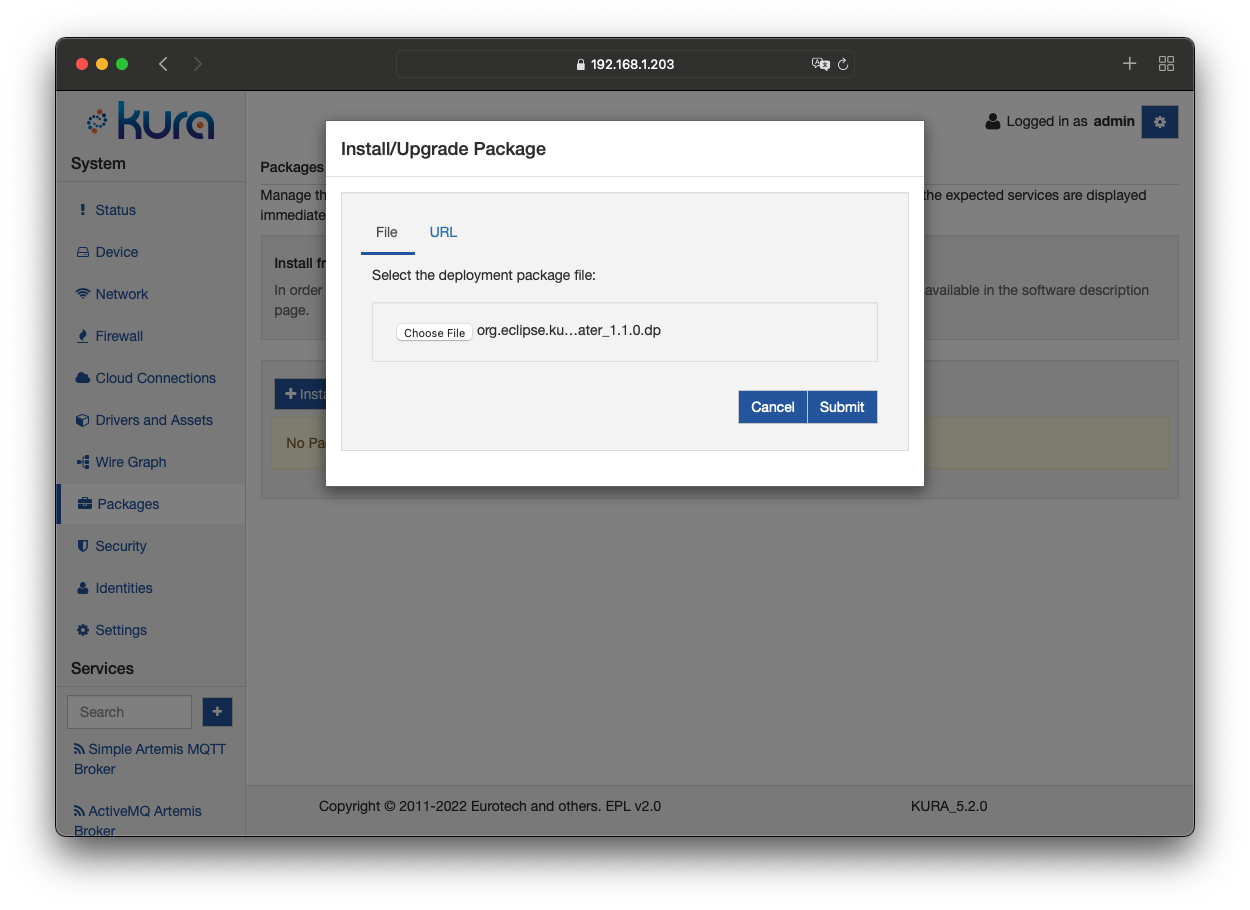
After developing your application and generating a deployment package that contains the bundles to be deployed (refer to the Development section for more information), you may install it on the gateway using the Packages option in the System area of the Kura Gateway Administration Console as shown below.
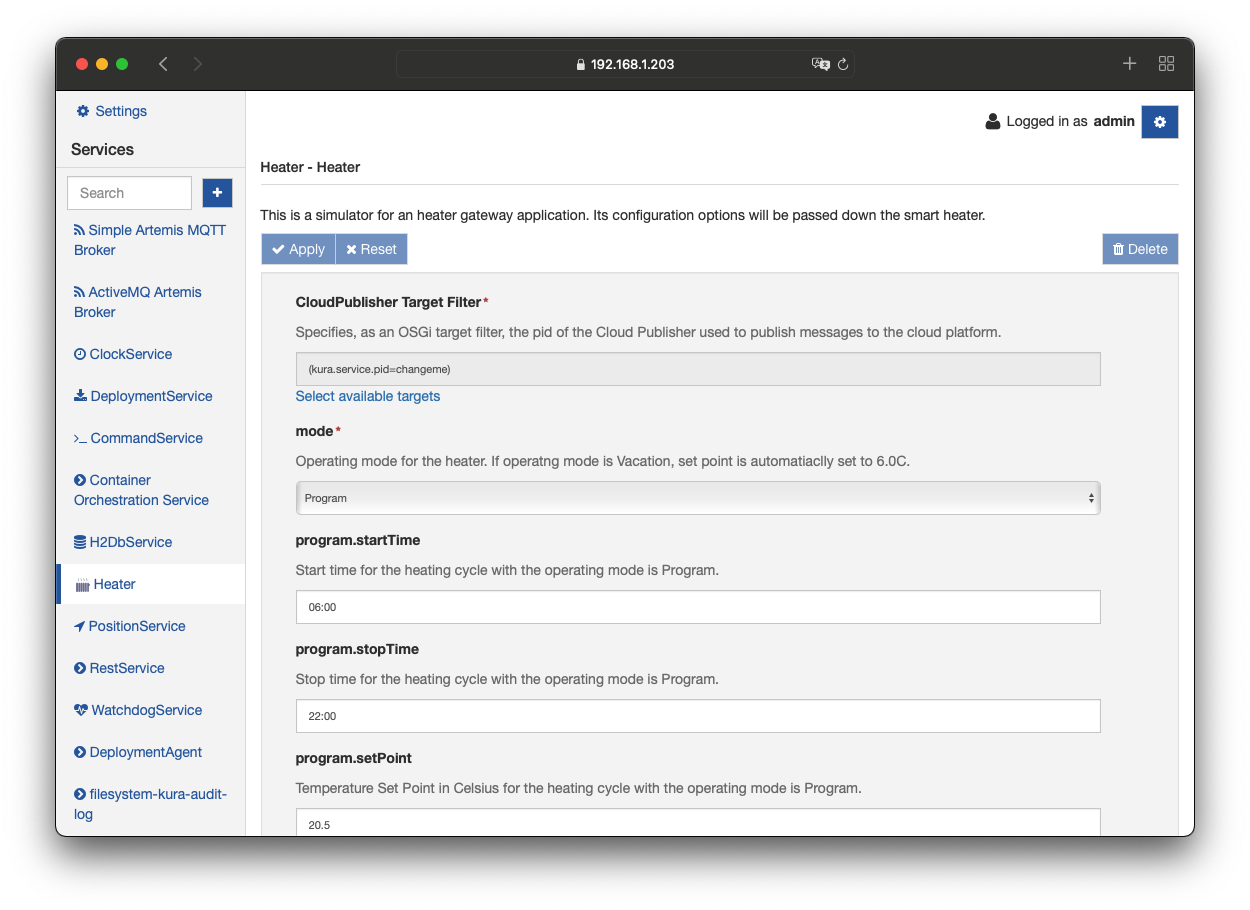
Upon a successful installation, the new component appears in the Services list (shown as the Heater example in these screen captures). Its configuration may be modified according to the defined parameters as shown the Heater display that follows.
Download Size Limit
The size of the files transferred to Kura, either downloaded from a remote server (e.g. using HTTP or HTTPS) or uploaded through the Kura Gateway Administration Console, is limited by the file.transfer.size.max Kura property. The limit applies to:
- files uploaded from the local machine through the Kura Gateway Administration Console:
- deployment packages uploaded from the Packages page;
- configuration snapshots uploaded with the Upload and Apply option of the Snapshots tab in the Settings page;
- zip archives uploaded with the File option of the Command tab in the Device page;
- channel lists uploaded with the Upload Channels button of an Asset;
- packages installed from a URL or from the Eclipse Kura Marketplace through the Packages page of the Kura Gateway Administration Console;
- packages installed with the Rest Deploy v2 API, when the provided URL refers to a remote server;
- deployment packages, shell scripts and verifier scripts downloaded through the DEPLOY-V2 cloud request handler.
The value is expressed in bytes and defaults to 26214400 (25 MB). Setting it to a negative value disables the limit, while setting it to 0 rejects any transfer.
The default value is defined in the /opt/eclipse/kura/framework/kura.properties file. To change it, add the property to the /opt/eclipse/kura/user/kura_custom.properties file, so that the new value is preserved across Kura updates. For example, to raise the limit to 50 MB:
Then restart Kura to apply the change.
Note
Deployment packages already available on the device filesystem (i.e. referenced by a file: URL) are not subject to this limit.
Warning
The file.upload.size.max property, previously used to limit the size of the files uploaded through the Kura Gateway Administration Console, is deprecated and no longer used. Use file.transfer.size.max instead.
Eclipse Kura Marketplace
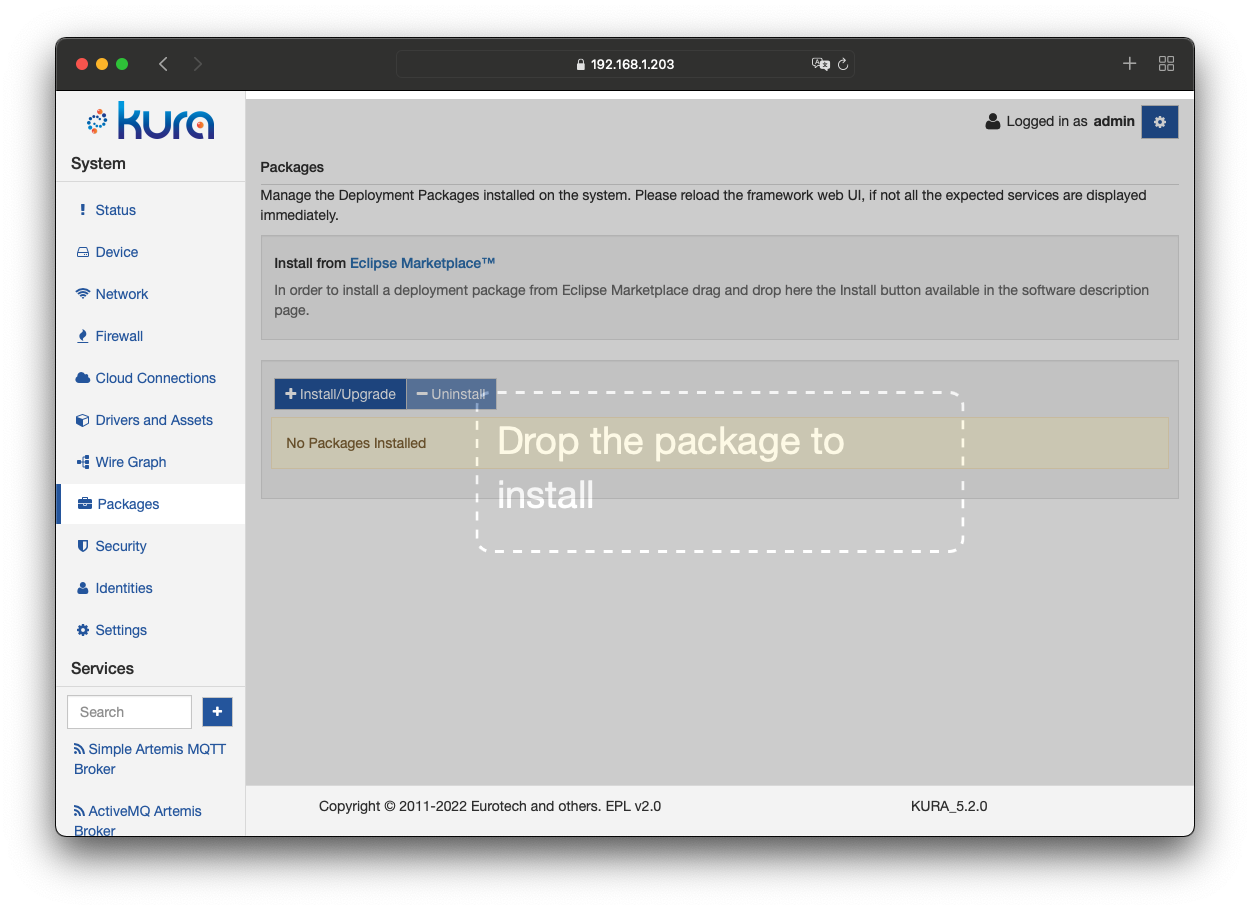
Kura allows the installation and update of running applications via the Eclipse Kura Marketplace. The Packages page has, in the top part of the page a section dedicated to the Eclipse Kura Marketplace.
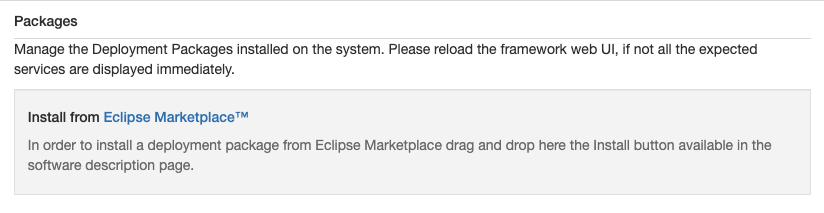
Dragging an application reference taken from the Eclipse Kura Marketplace to the specific area of the Kura Web Administrative Console will instruct Kura to download and install the corresponding package, as seen below:
Warning
If the installation from the Eclipse Marketplace fails, it can be for the lack of the correct certificates. In this case, import the certificate in the SSLKeystore from the Certificate List tab under the Security section. For more details about the procedure see here.
You can retrieve the proper certificate for the given bundle as follows:
- Identify the download link of the package to be installed from the Eclipse Kura Marketplace (for example,
https://download.eclipse.org/kura/releases/4.1.0/kura-4.1.0-deployment-package.dp). - Retrieve the certificate with this command:
the command will return an output like this:
that can be imported in the SSLKeystore.Package Signature
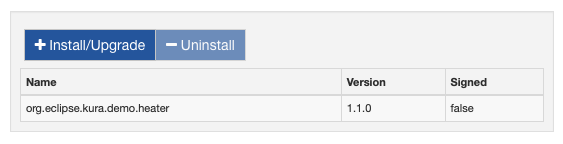
Once the selected application deployment package (dp) file is installed, it will be listed in the Packages page and detailed with the name of the deployment package, the version and the signature status. The value of the signature field can be true if all the bundles contained in the deployment package are digitally signed, or false if at least one of the bundles is not signed.